Albaraka
Craftgate is integrated with Albaraka Türk Shopping Loan as an alternative payment method.
Things to do first
In order to use the Albaraka Türk Shopping Loan integration, you must have completed the following steps.
-
Alternative Payment Methods must be
Onon Merchant Panel > Administration > Merchant Settings > Craftgate Features list.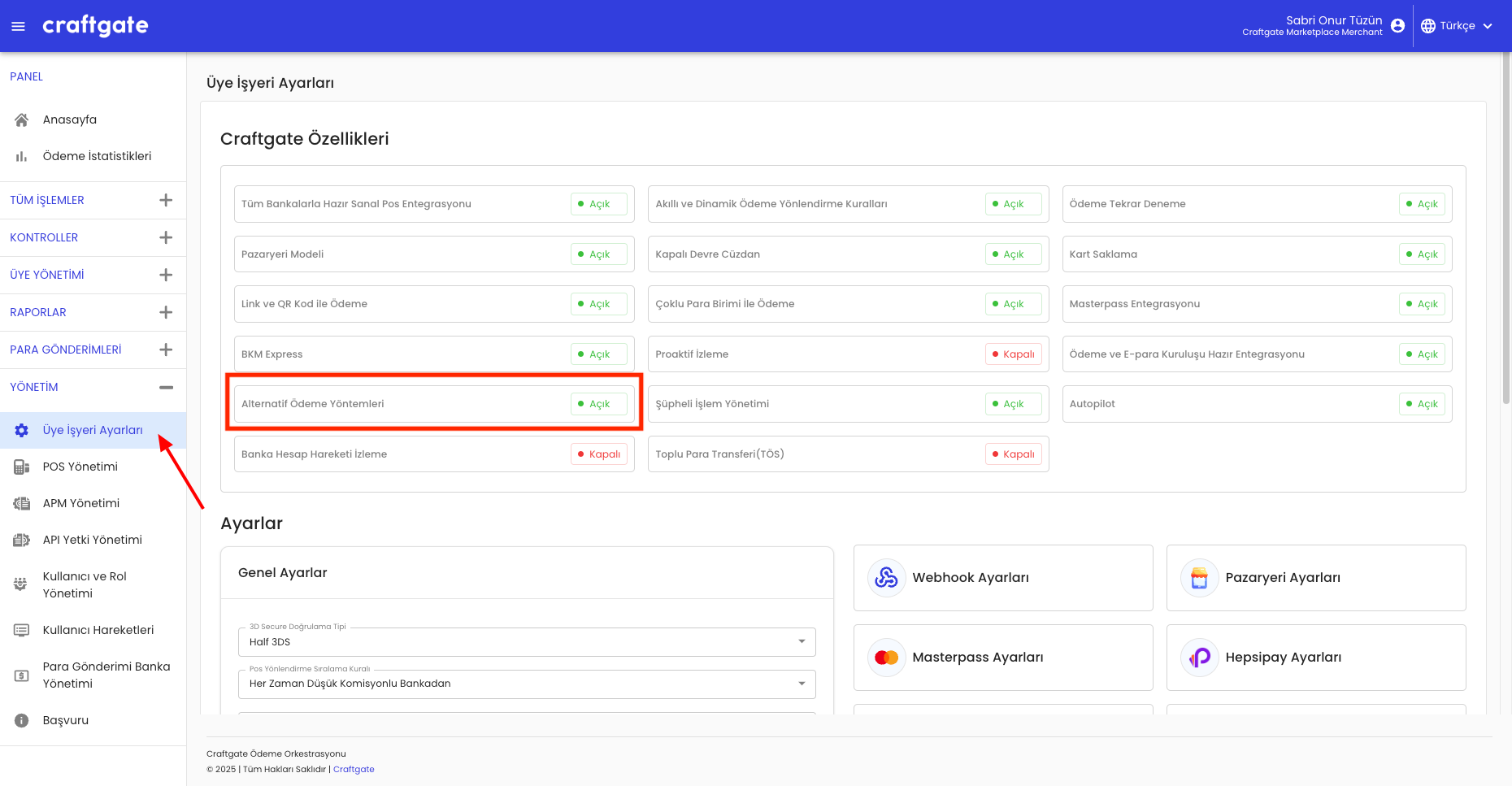
-
Enter the information sent to you by Albaraka Türk Shopping Loan on Merchant Panel > Administration > APM Management > Add New Apm.

Payment via Albaraka Türk Shopping Loan
You can integrate with alternative payment methods service via Craftgate API to receive Albaraka Türk Shopping Loan payments.
To receive payments with Albaraka Türk Shopping Loan, apmType should be sent as ["ALBARAKA"].
1. APM Payment Init: You should initialize apm payment as an apm type of Albaraka Türk Shopping Loan. For more information, see Pay With Alternative Payment Methods
As a successful APM Payment Init Response
paymentStatusfield shouldWAITINGadditionalActionfield should value ofREDIRECT_TO_URL
The user will redirect to Albaraka Türk website to continue the transaction, fill the required information and approve documents on mobile application. After the transaction is completed, the result of the payment status will be sent to your webhook address. See for Webhook integration: Webhook Integration
2. APM Payment Complete: After receiving the Webhook notification, you can inquire the payment status and create your order according to the payment status.